How to Use
SonicHue Sync
Follow these steps to set up your Philips Hue lights and start syncing them to the beat. Choose a category below to get started.
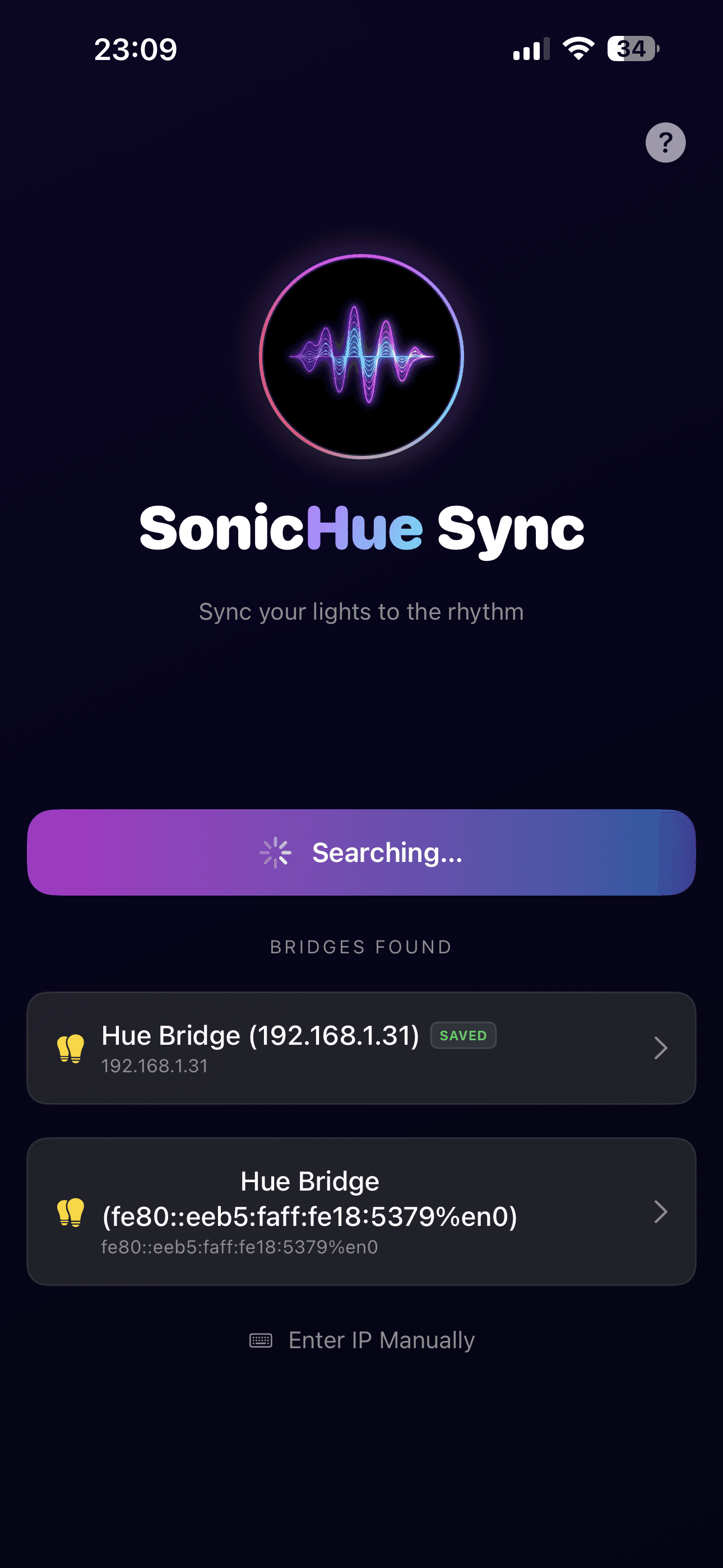
1. Connect to Your Hue Bridge
Open SonicHue Sync and let the app discover your Philips Hue Bridge on your local network. Tap the bridge when it appears and press the physical button on top of your bridge to authorize the connection.
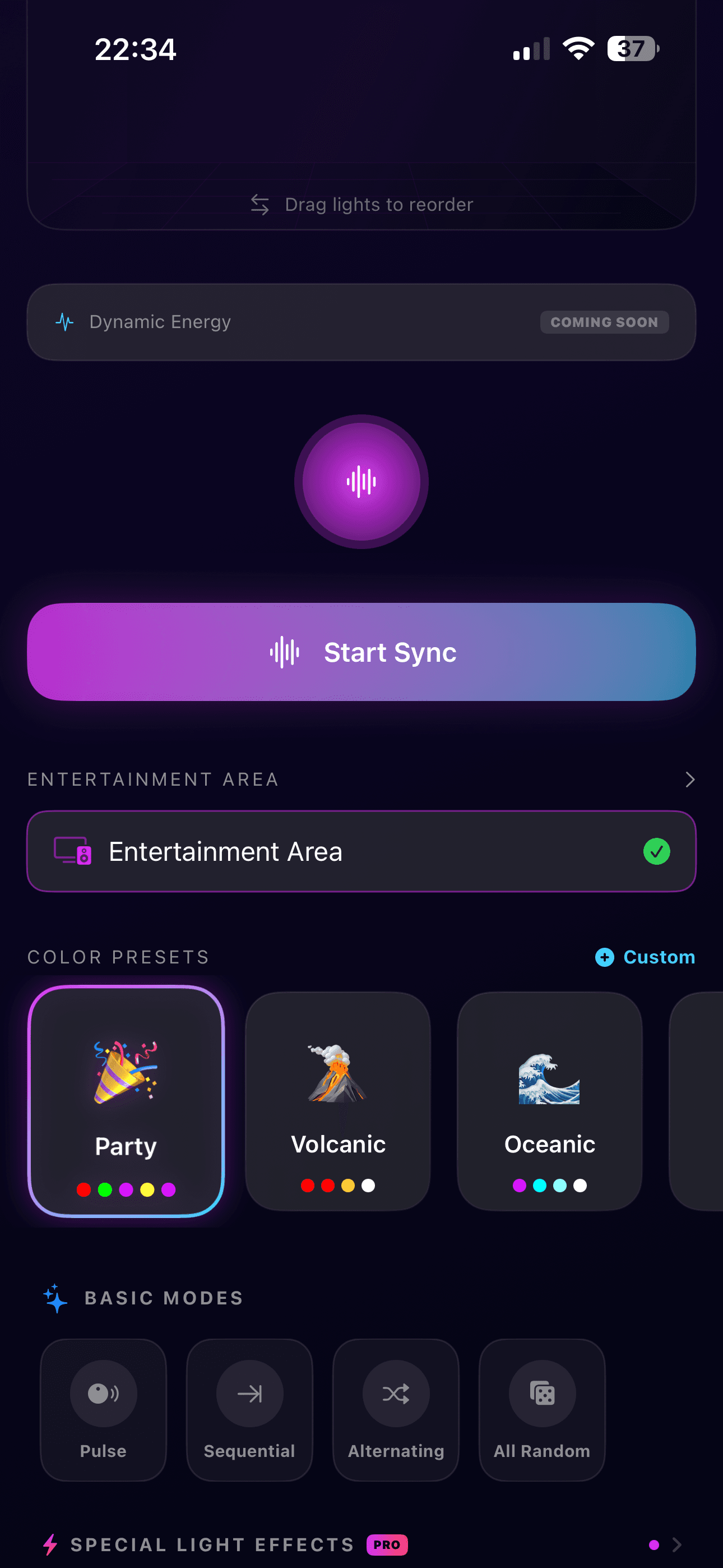
2. Select an Entertainment Area
Choose the entertainment area you want to sync. Entertainment areas are configured in the official Philips Hue app — each area groups specific lights together for the streaming experience.
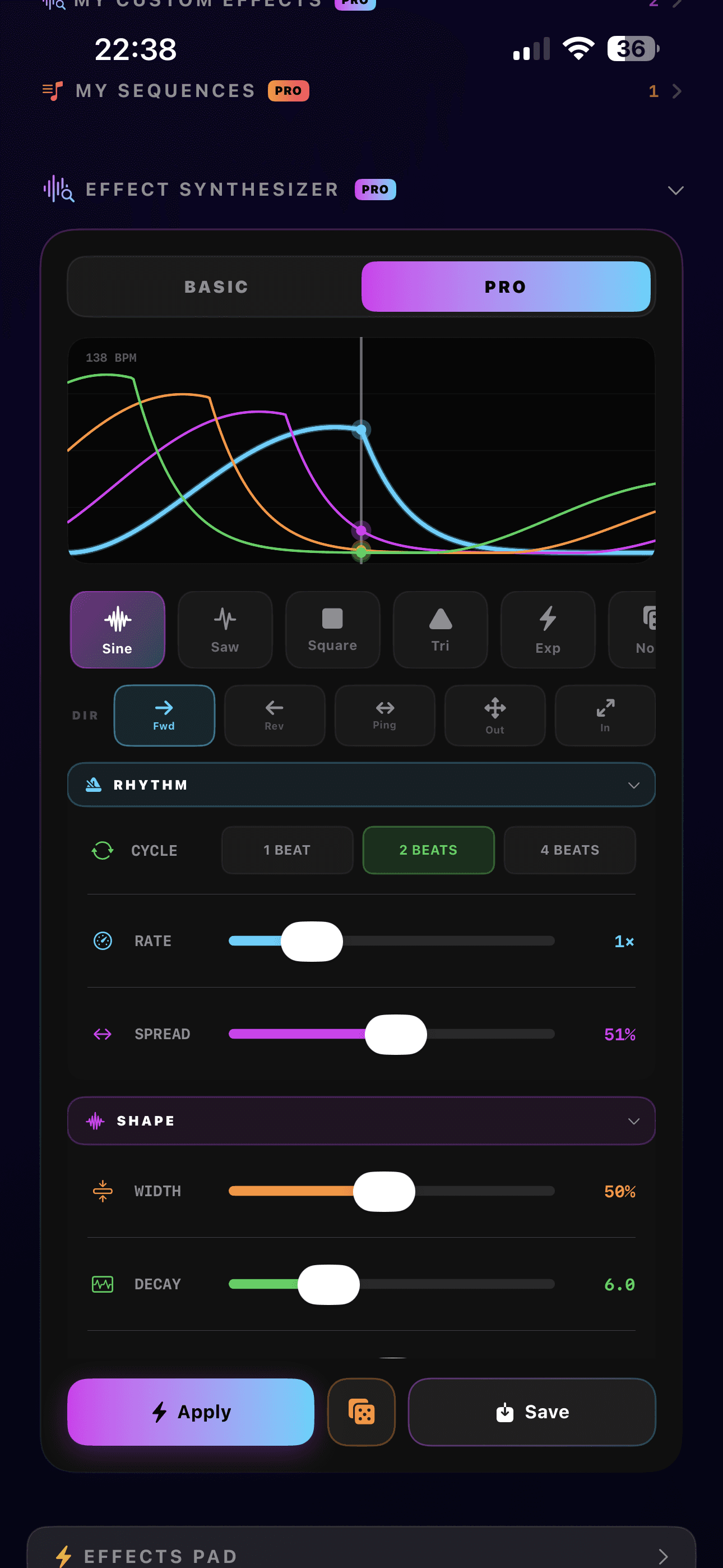
3. Pro Effect Synthesizer
Design your own mathematical light effects using Waveform (Sine, Saw, Square, Triangle), Rate, Spread, and Decay parameters. Create unique patches that define your signature light style and save them for instant recall.
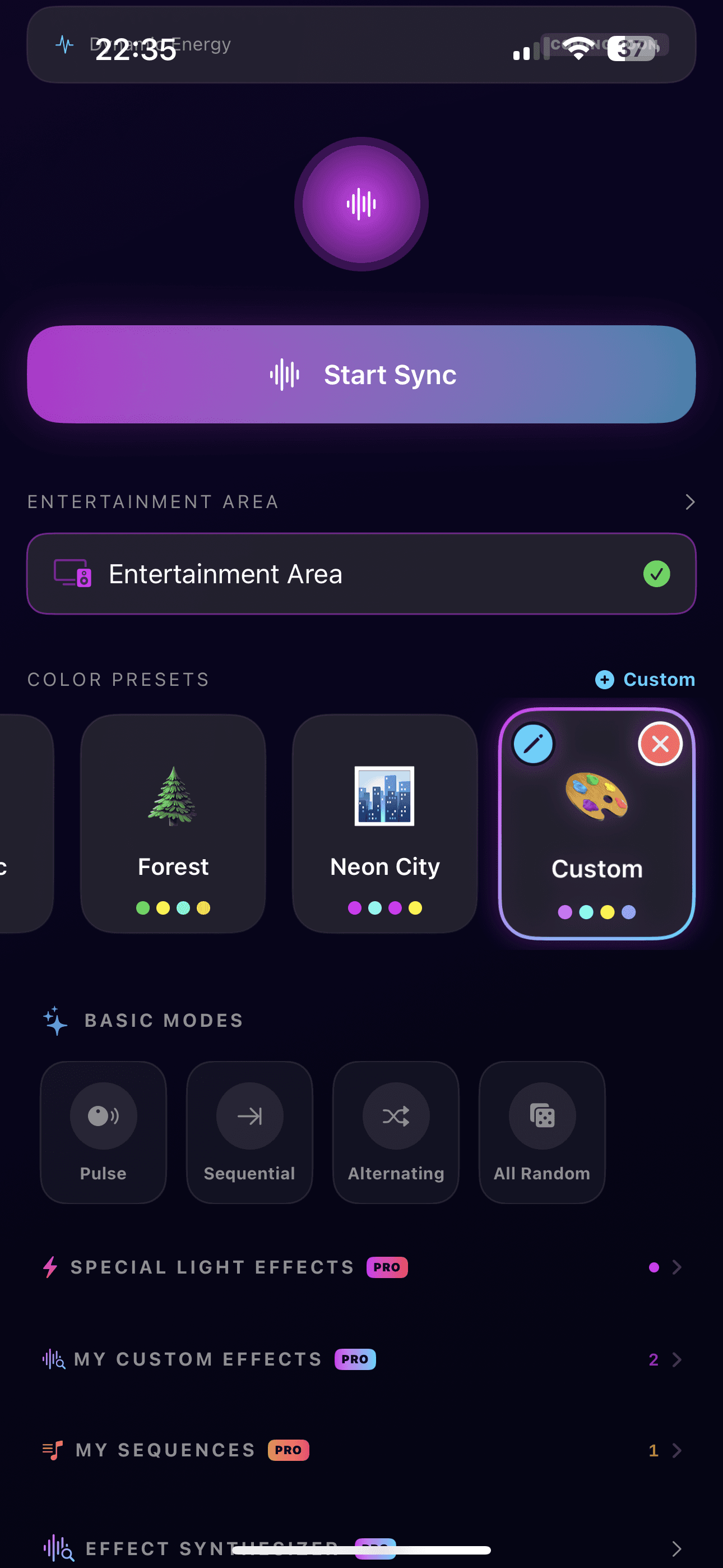
4. Pick Your Color Palette
Choose from hand-crafted color presets or create your own custom palette. Colors define the mood — go with warm tones for a relaxed lounge, or vivid neons for an energetic dance floor.
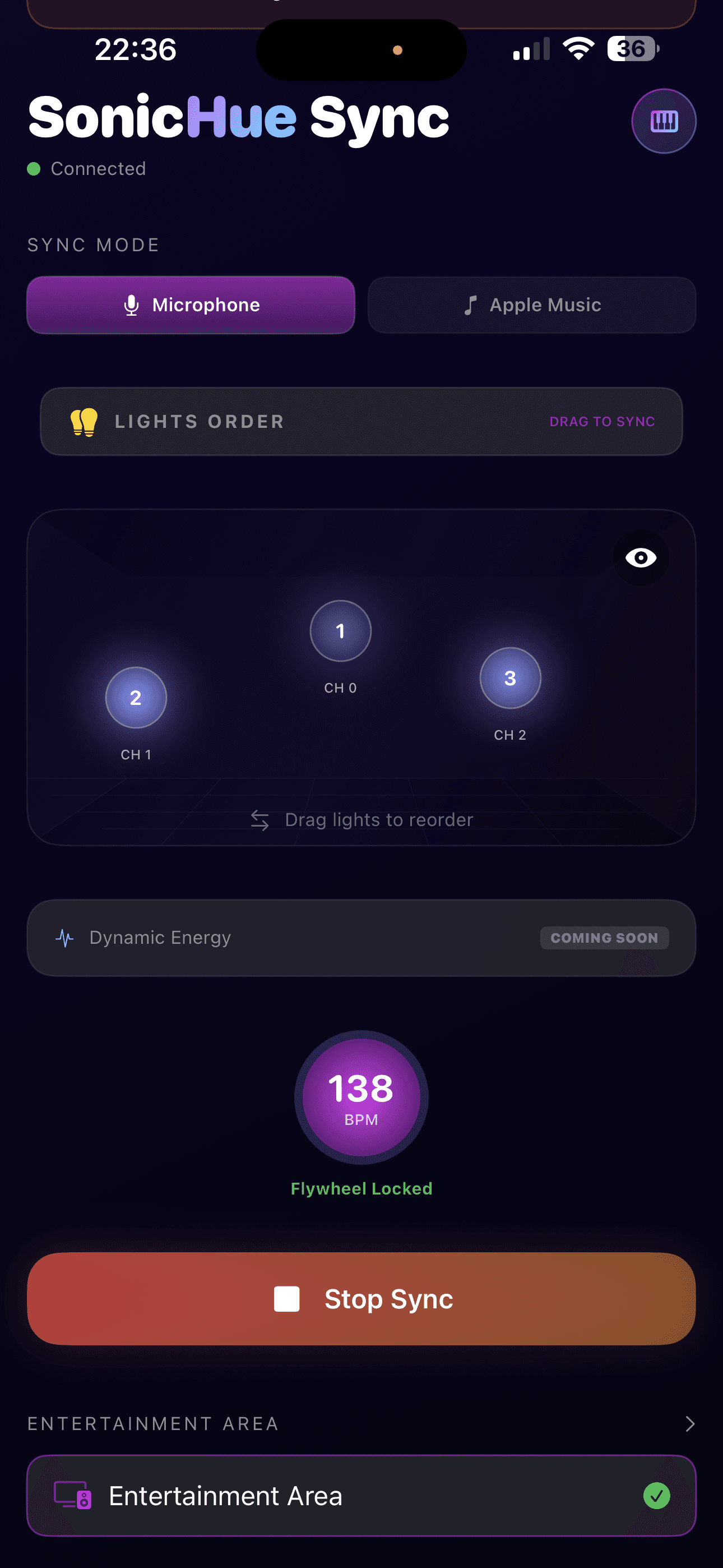
5. Arrange Your Lights
Drag and reorder your lights to match their physical placement. This mapping enables wave and chase effects to flow naturally from left to right across your room.
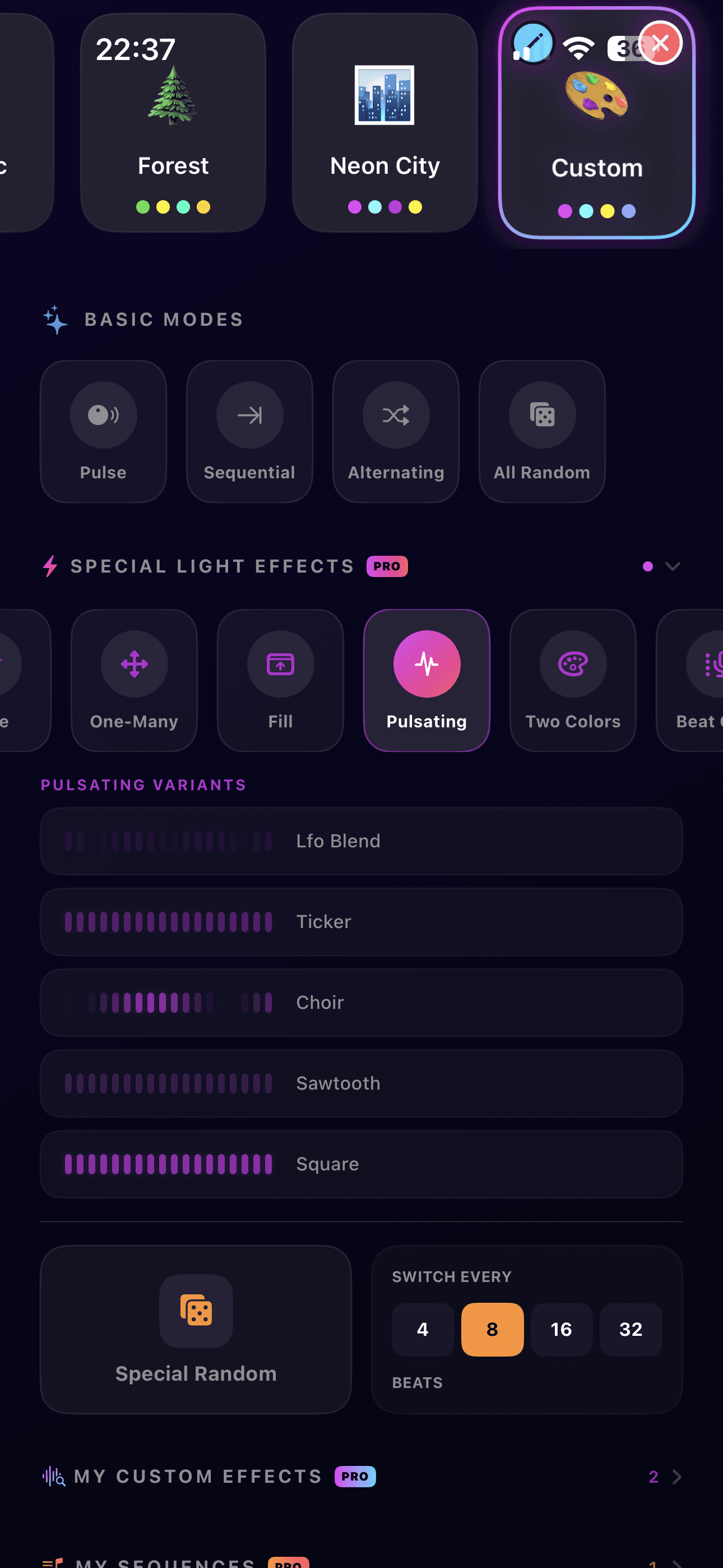
6. Explore Beat Effects
SonicHue Sync ships with built-in beat effects that react to the music — from strobes and pulses to waves and chases. Effects automatically adapt their speed to the detected BPM.
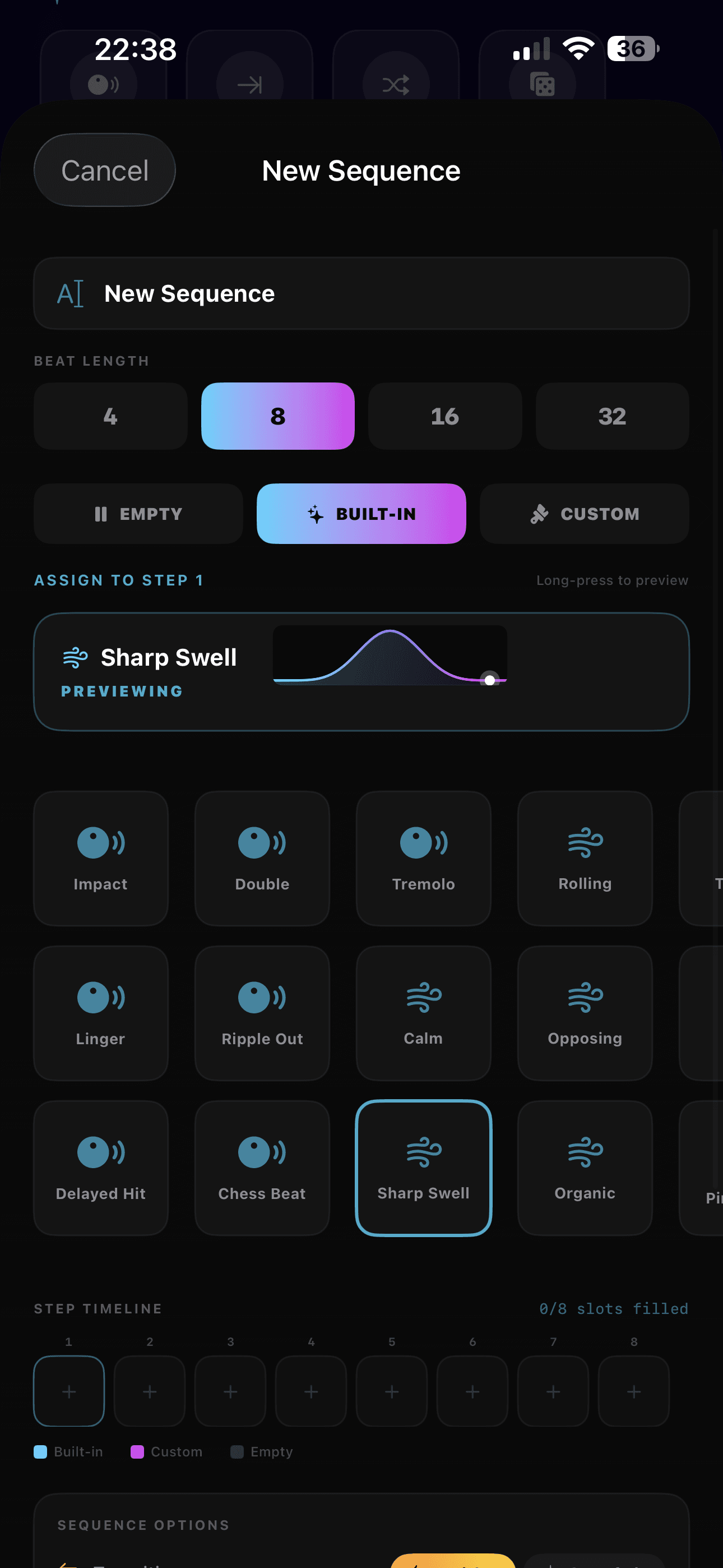
7. Sequence Builder
Build custom timelines by chaining effect blocks of 4, 8, 16, or 32 beats. Apply crossfade or hard-cut transitions between blocks, and use loop or shuffle modes for endless variation.
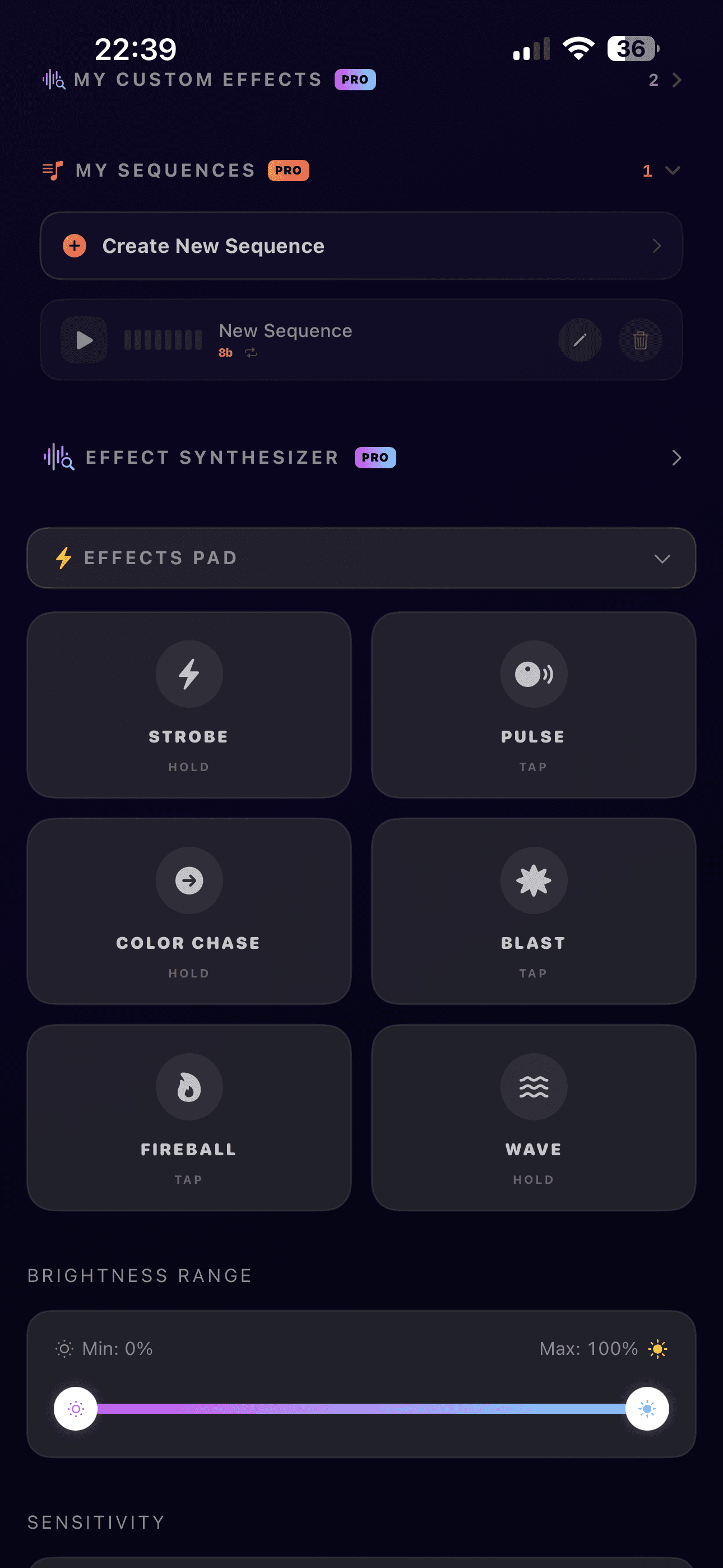
8. Effects Pad
Use the 6-pad performance grid to trigger effects live with a single tap. Each pad can be configured with a built-in effect (Strobe, Pulse, etc.), a beat effect, or one of your saved synth patches.
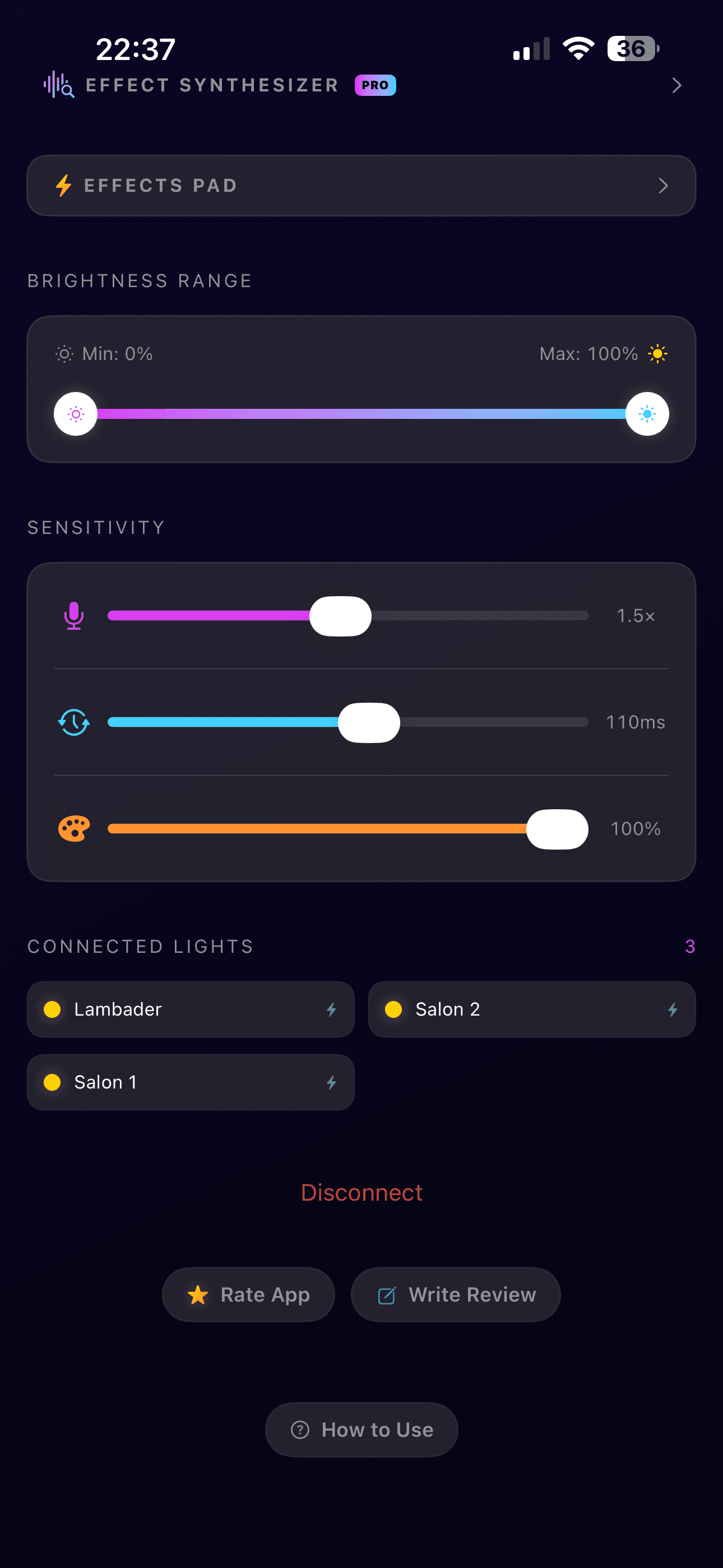
9. Fine-Tune Your Experience
Adjust brightness range, sensitivity, latency offset, and BPM multiplier to perfectly match your setup and taste. The Dynamic Energy Tracker automatically adapts intensity to the music's energy level.
Ready to light up your room?
Download SonicHue Sync for free and turn your Philips Hue lights into a professional music visualizer.
Download Free